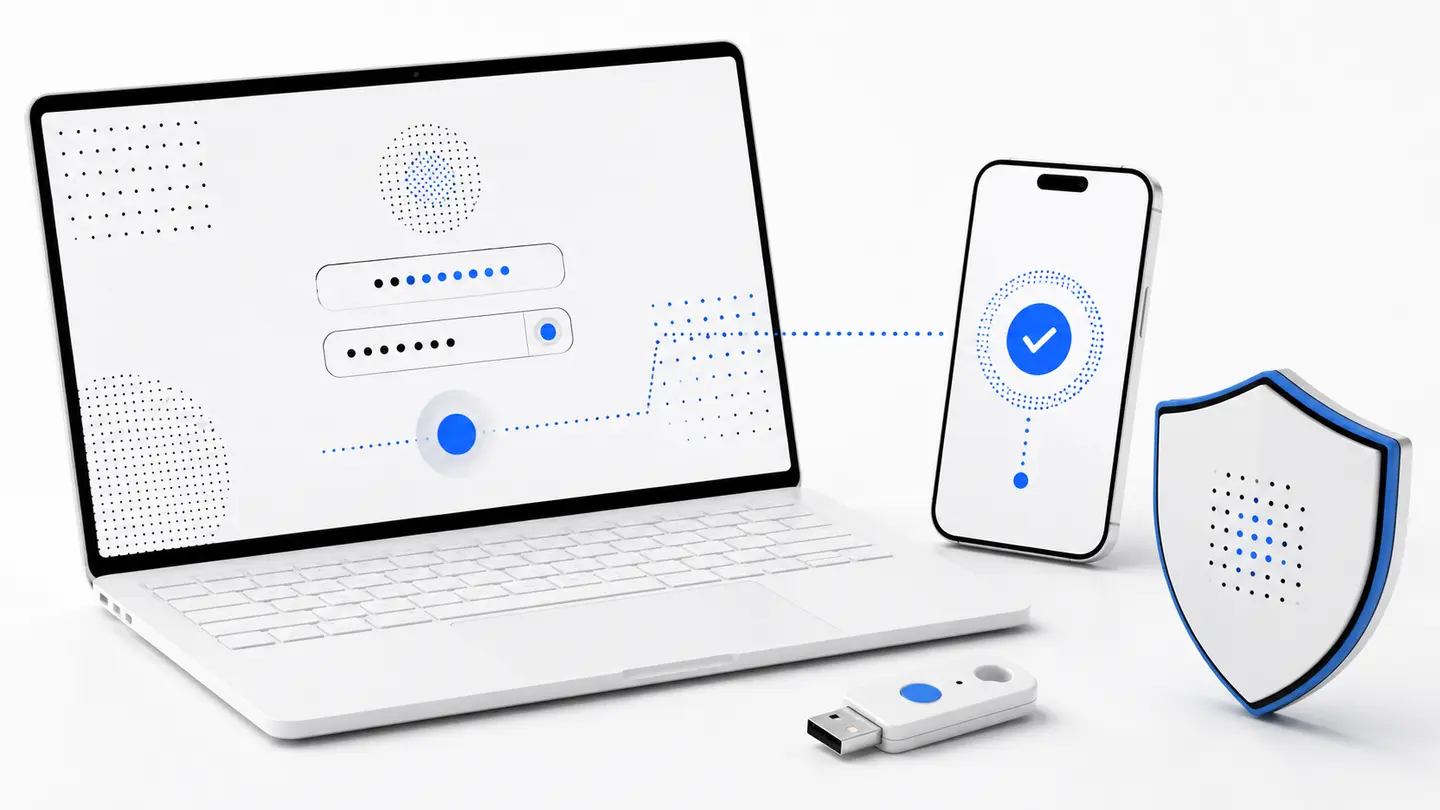
Two factors are two different checks
The first factor is commonly something you know, such as a password. The second is something you possess, such as a phone or hardware key.
If an attacker learns the password, the second confirmation can still block access after a leak or phishing attempt.
Common options
- one-time codes from an authenticator app;
- approval on a trusted device;
- a hardware security key;
- SMS when stronger methods are unavailable.
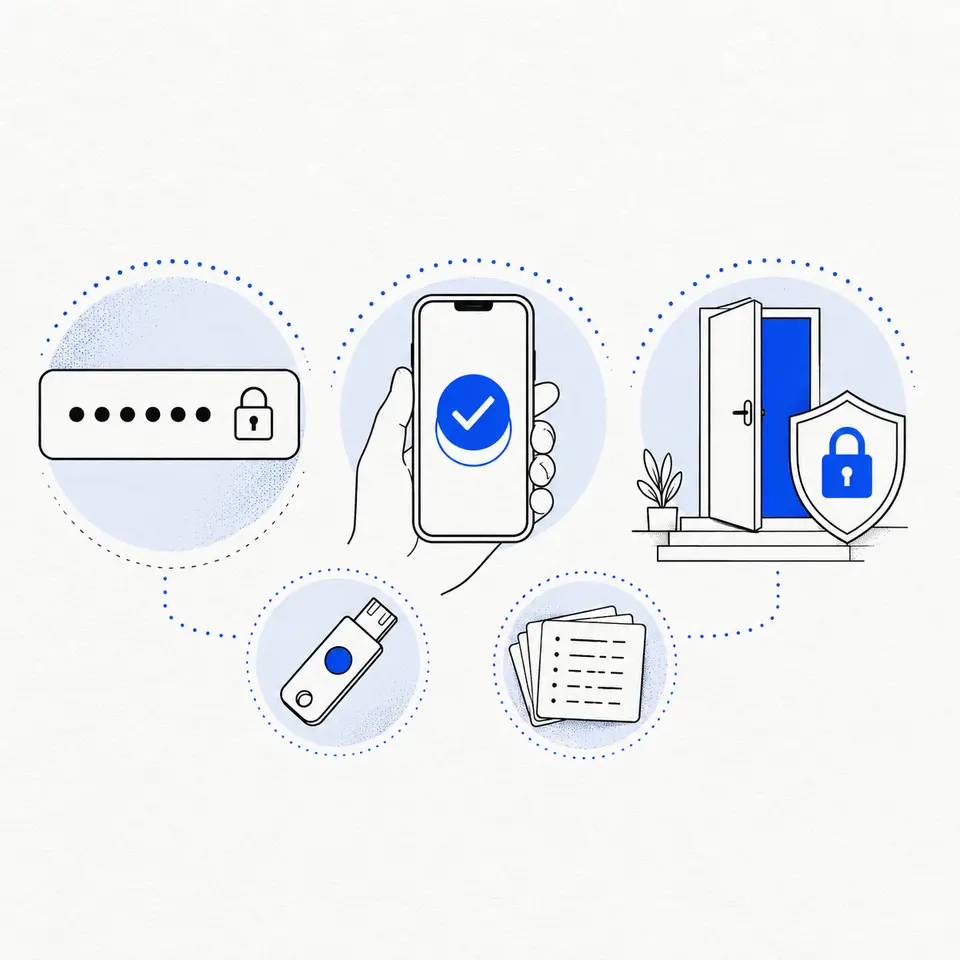
Choose a resilient method
Authenticator apps work without a mobile network and are less dependent on phone-number security. Hardware keys offer strong phishing resistance where supported.
Never approve a request you did not initiate. Repeated unexpected prompts may be designed to make you accept by habit.
Keep a recovery path
- store backup codes offline;
- add another trusted factor if possible;
- update the setup when changing phones.
2FA does not replace other checks
A second factor does not make a fake page safe. A code entered on a phishing page can be used immediately by an attacker.
Always check the domain, use a unique password, and never share one-time codes in messages or calls.
FAQ
Should I give a 2FA code to support staff?
No. A one-time code belongs only in the sign-in form you opened yourself on a verified domain.
What if I lose my phone?
Use a previously stored backup code or another trusted factor, then remove the lost device from security settings.