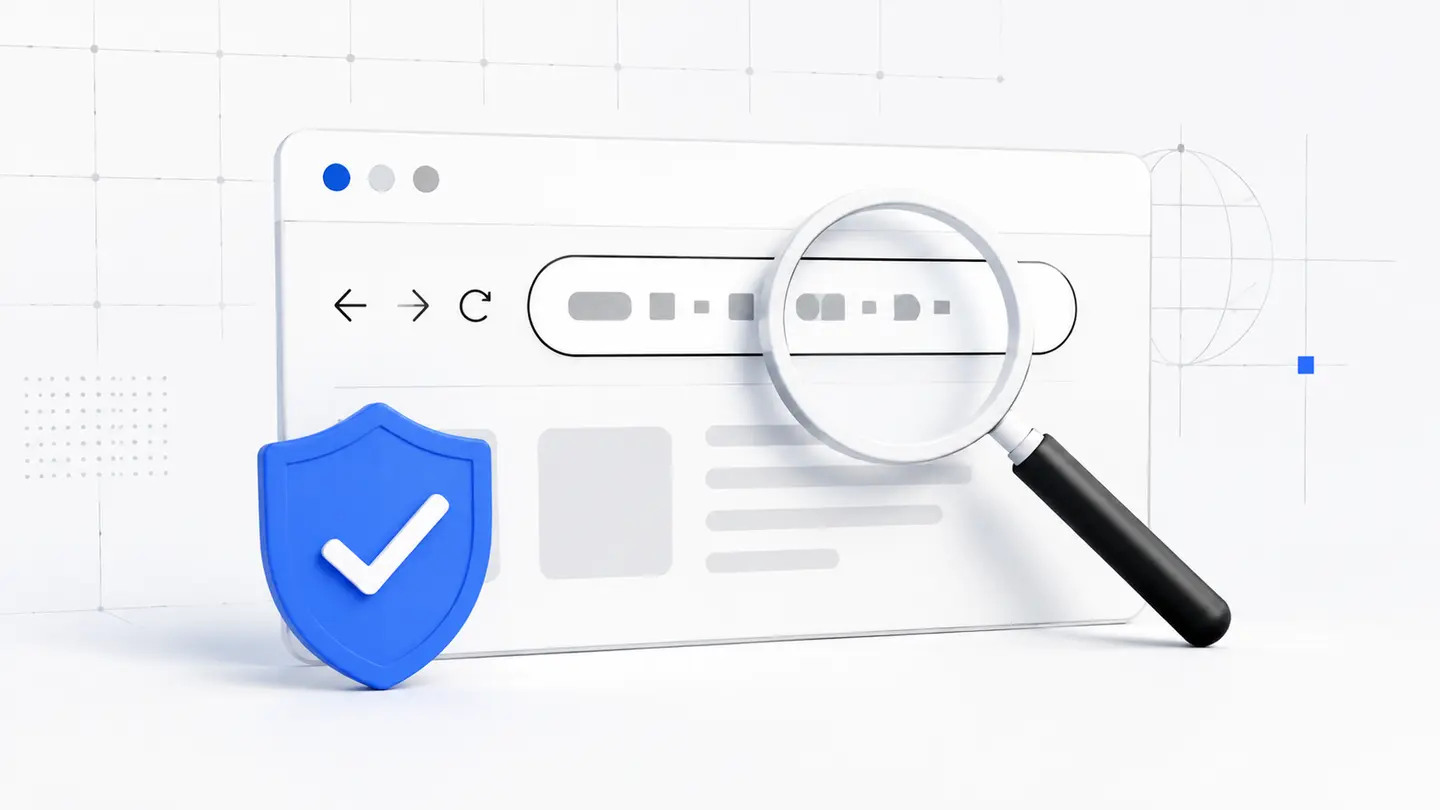
Compare the domain character by character
Fraudulent pages often use an address that differs by one letter, a hyphen, or a lookalike character. Check the registered domain itself, not the label on a button or the page heading.
Pay particular attention to the beginning and ending of the domain. A long subdomain containing a brand name does not make the address genuine.
What to inspect in the address bar
- extra letters, numbers, or unexpected hyphens;
- an unfamiliar domain ending;
- the real domain hidden inside a long subdomain;
- a mismatch with a previously saved bookmark.
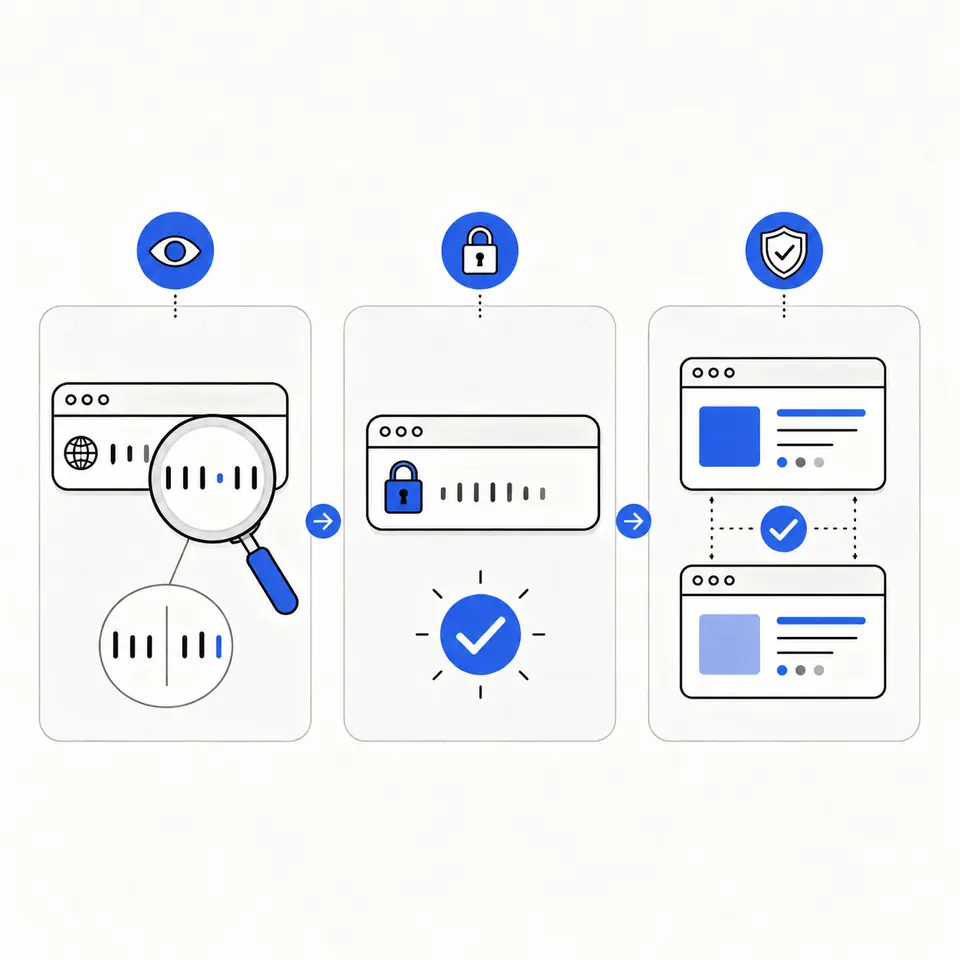
Assess the connection and link source
HTTPS protects data in transit, but it does not verify that the site owner is honest. The lock only confirms encryption for the current domain.
Use a verified bookmark or type the address yourself. Links in unexpected emails, direct messages, and advertisements need an independent check.
When a link arrives in a message
- do not rush because of a lockout or prize warning;
- do not enter data before checking the domain;
- verify the request through a separate channel.
Stop when anything does not match
An unusual sign-in form, a request to share a one-time code, poor wording, or an unexpected address change is enough reason to close the page.
If you already entered data on a suspicious site, change the password from a trusted device, end active sessions, and enable two-factor authentication.