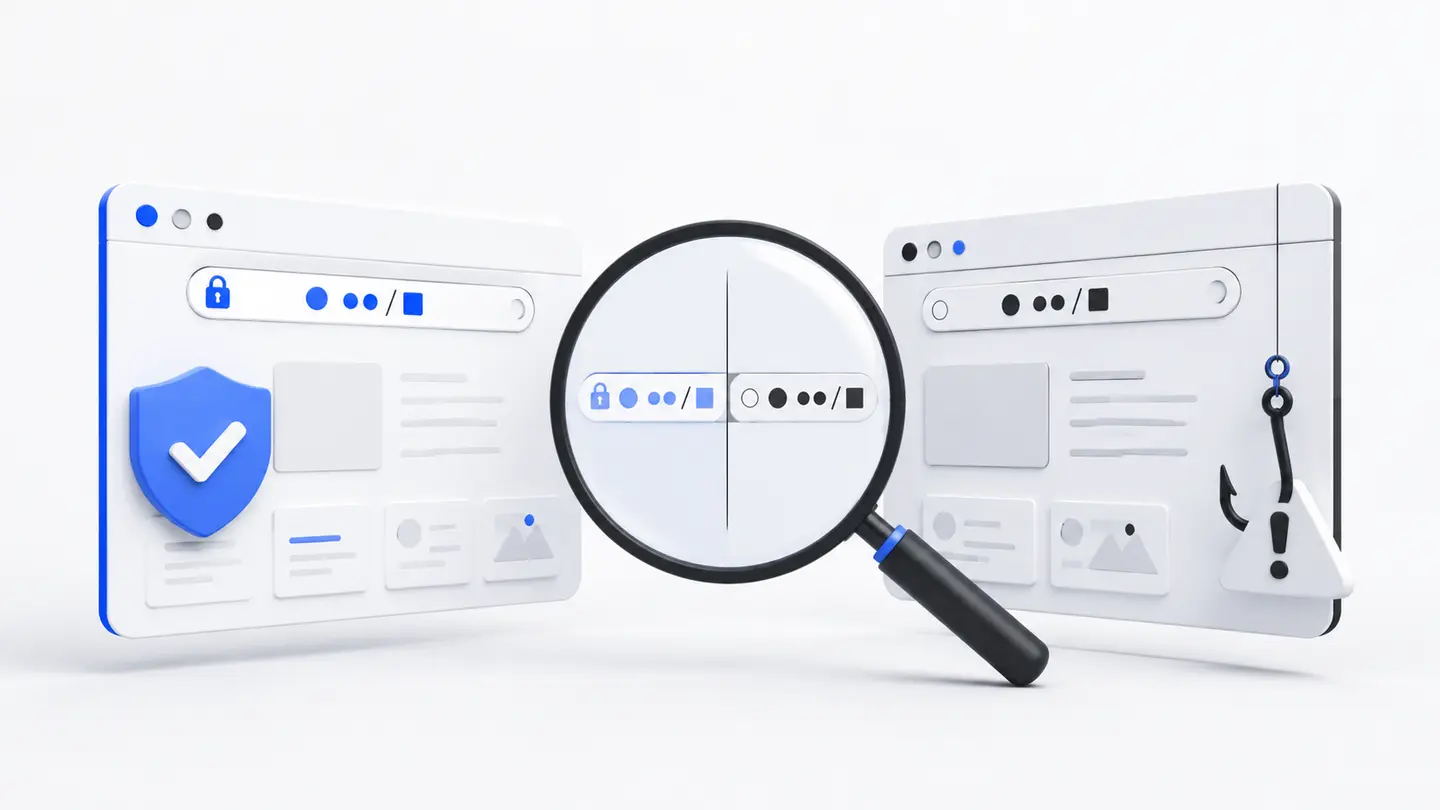
Look for combinations of warning signs
One odd detail can be a mistake, but several signals together mean you should stop. Phishing often combines a lookalike domain, an urgent warning, and a demand to sign in immediately.
A fake page can reproduce colours, logos, and button placement. Check the address and the context of the request, not the visual resemblance.
Common signals
- a prize promise or threat of account closure;
- a request for a password or one-time code;
- an unexpected attachment, QR code, or shortened link;
- domain errors and inconsistent contact details.
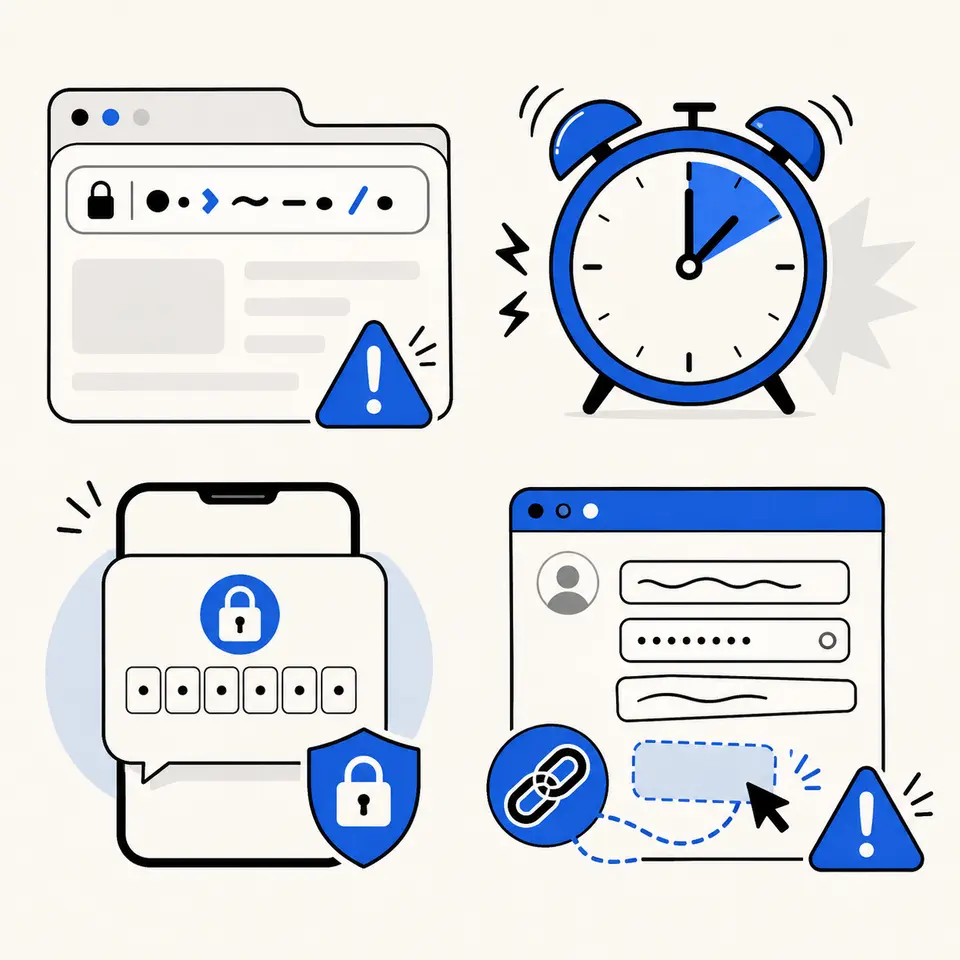
Verify the request through another channel
Do not reply using the same suspicious message. Open a saved bookmark or the official app yourself and check notifications there.
If the message appears to come from someone you know, contact them separately. Their account may also be compromised.
Before entering data
- close the page and type the address yourself;
- compare it with a trusted bookmark;
- confirm that the service really requires action.
Act quickly after a mistake
If you entered a password, change it from a trusted device and end all sessions. Change it elsewhere too if it was reused.
If payment details were shared, contact your bank using the number on the official card or site—not contact details from the suspicious page.
FAQ
Does a lock icon rule out phishing?
No. A malicious site can also use HTTPS. The lock confirms encryption, not the identity of the domain owner.
Can I trust a page if the design is identical?
No. Design can be copied. The domain, source of the link, and nature of the request matter most.